How to Clean PS2 Laser
Over time, a dusty or dirty PS2 laser can cause read errors, disc skipping, or failure to load games. This guide explains practical, safe steps to clean a PS2 laser using common, readily available products. Readers will learn how to identify symptoms, prepare the workspace, and use a laser lens cleaning kit effectively.
The goal is to restore reliable disc reading without risking damage to the optical drive. The methods below emphasize careful handling, proper cleaning materials, and stepwise procedures suitable for most PS2 models common in American households.
Quick Answer
For most PS2 units, use a dedicated PS2 laser lens cleaning kit or an optical drive cleaning kit with microfiber cloth, apply isopropyl alcohol only to the cleaning swabs as directed, and run a gentle cleaning cycle. If problems persist after cleaning, consider professional service or laser replacement.
What You’ll Need
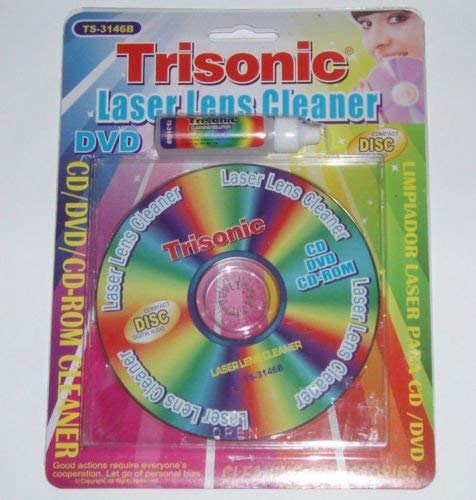
- PS2 laser lens cleaner kit for gaming consoles
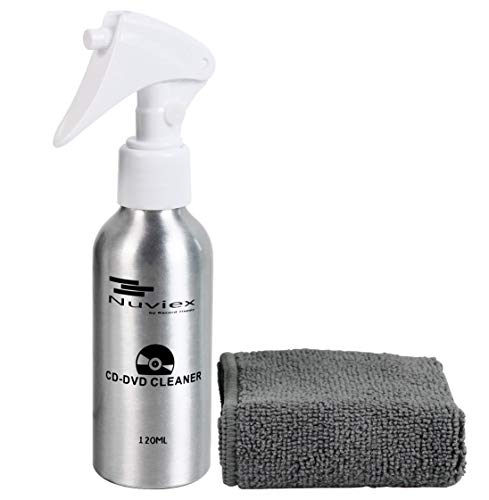
- optical drive laser cleaning kit with microfiber cloth for PS2
- PS2 laser lens cleaning swabs isopropyl alcohol cleaning kit
- Isopropyl alcohol (at least 70%)
- Microfiber cloths
- Soft brush or canned air (optional for initial dust removal)

Before You Start
Before cleaning, unplug the PS2 and allow the console to cool. Work in a clean, well-lit area to avoid introducing more dust. Use gentle, controlled motions to prevent scratching the lens. Keep liquids away from internal components and never spray directly onto the laser assembly. If the disc tray or laser appears damaged or if you hear grinding noises, stop and seek professional service.
Estimated time for a standard cleaning: 10–20 minutes. If you have multiple consoles, proceed one at a time to avoid cross-contamination of tools.
Step-By-Step: How To Clean PS2 Laser
- Power down and unplug the PS2; remove any discs and allow the unit to cool.
- Open the disc tray to observe the laser assembly area; use canned air or a soft brush to remove loose dust around the drive bay.
- Apply a small amount of isopropyl alcohol to a PS2 laser lens cleaning swab or microfiber cloth, ensuring it is damp but not dripping.
- Gently wipe the exposed laser lens in a single, straight motion from the outer edge toward the center; avoid circular scrubbing that may scratch the surface.
- If using a dedicated PS2 laser lens cleaner kit, follow the kit’s instructions for the specific cleaning pattern and any contact materials included.
- After wiping, allow the lens to dry for at least a minute; insert a disc and run a test. Do not force the drive to spin or skip tests aggressively.
- If read errors persist, repeat the cleaning process with a new swab and fresh isopropyl alcohol; do not reuse heavily soiled swabs.
- For stubborn smudges, use a soft brush with a light touch to dislodge residue, then re-clean with the swab and alcohol.
- Reassemble, plug in, and perform a final disc read test; try multiple discs to confirm consistent results.
- If issues continue after cleaning, consider replacement parts or professional diagnostics to avoid further damage.
- Maintain regular cleaning intervals, especially if the PS2 is used frequently or stored in dusty areas.
Troubleshooting
| Symptom | Likely Cause | Fix | Prevention |
|---|---|---|---|
| Disc fails to read after cleaning | Residual smudges or improper dry time | Re-clean with fresh swabs and allow longer drying time | Clean in small sections; avoid over-wetting |
| Disc spins but no read | Dirty laser lens or misalignment | Clean lens again; verify tray alignment | Keep environment dust-free; handle with care |
| Intermittent read errors | Dust buildup in drive path | Clean surrounding optics and internal areas | Regular maintenance checks |
| Scratches or damaged lens surface | Aggressive cleaning or debris | Stop cleaning; seek professional assessment | Use proper tools and gentle technique |
Common Mistakes
- Using excessive liquid or dripping fluids on the laser assembly
- Scrubbing with abrasive materials or rough swabs
- Cleaning without unplugging the console or while powered
- Relying on a single cleaning pass if multiple discs fail to read
Tips For Best Results
- Use a dedicated PS2 laser lens cleaning kit designed for gaming consoles for safer cleaning.
- Apply isopropyl alcohol only to the cleaning swabs or cloth—never directly onto the laser.
- Clean in a dust-free area and store tools in a protective case between uses.
- Test with multiple discs of different brands to confirm consistent results.
- Document your cleaning routine to track improvements and plan future maintenance.
Call A Professional
Seek professional help if the PS2 still fails to read discs after thorough cleaning, if the drive emits unusual noises, or if the laser assembly shows signs of damage or misalignment. Do not attempt internal repairs beyond basic cleaning, as this could void warranties or cause further harm.
FAQ
Can I clean the PS2 laser with water?
No. Water can damage electronic components. Use isopropyl alcohol or a kit designed for optical lenses.
How often should I clean the PS2 laser?
As a general rule, clean if discs begin failing to read or after dusty storage periods; routine maintenance every 6–12 months is reasonable for active users.
Is it safe to use a PC optical drive cleaning disc on a PS2?
PC cleaning discs might work in a pinch but are not ideal for PS2 laser assemblies; dedicated PS2 cleaning kits are recommended.
What if the disc tray won’t open after cleaning?
Power cycle the console, wait, and try the tray again. If the issue persists, disconnect power and seek professional help, as the drive mechanism could be jammed or defective.
Will replacing the laser be necessary?
Possible if cleaning does not restore functionality and diagnostic checks indicate laser degradation; professional replacement is advised.
Buying Guide
When choosing cleaning tools for a PS2 laser, consider size, compatibility, and the cleaning method. Look for a kit that explicitly targets PS2 or gaming console lenses, includes lint-free microfiber cloths, and provides safe isopropyl alcohol swabs. A comprehensive kit with a soft bristle brush can help pre-clean the drive area, while a kit with dedicated laser lens swabs reduces the risk of scratches.
Size and placement matter because a compact kit travels easily but still needs room to maneuver inside the PS2’s drive bay. Noise levels aren’t a concern for this task, but energy efficiency matters in the sense that a battery-powered tool should have minimal draw and avoid overheating during use. Controls should be straightforward, with clear instructions for the cleaning product. Choose a kit that includes replacement swabs and a cleaning cloth to extend its usefulness.
For optimal results, compare kits based on the included materials, the quality of microfiber cloths, and the safety certifications. If multiple PS2 models are in the household, a universal kit may offer greater value. Consider reading reviews from other American users to gauge real-world performance and durability. Finally, ensure the kit’s materials are non-abrasive and designed for optical lenses to minimize risk of damage.
Leave a Reply